How Buying
Online Works.

Start online to see what you qualify for, reserve the vehicle you want, and complete the final steps when you’re ready.

No guesswork. No pressure. Just a simple, convenient way to buy or reserve online.

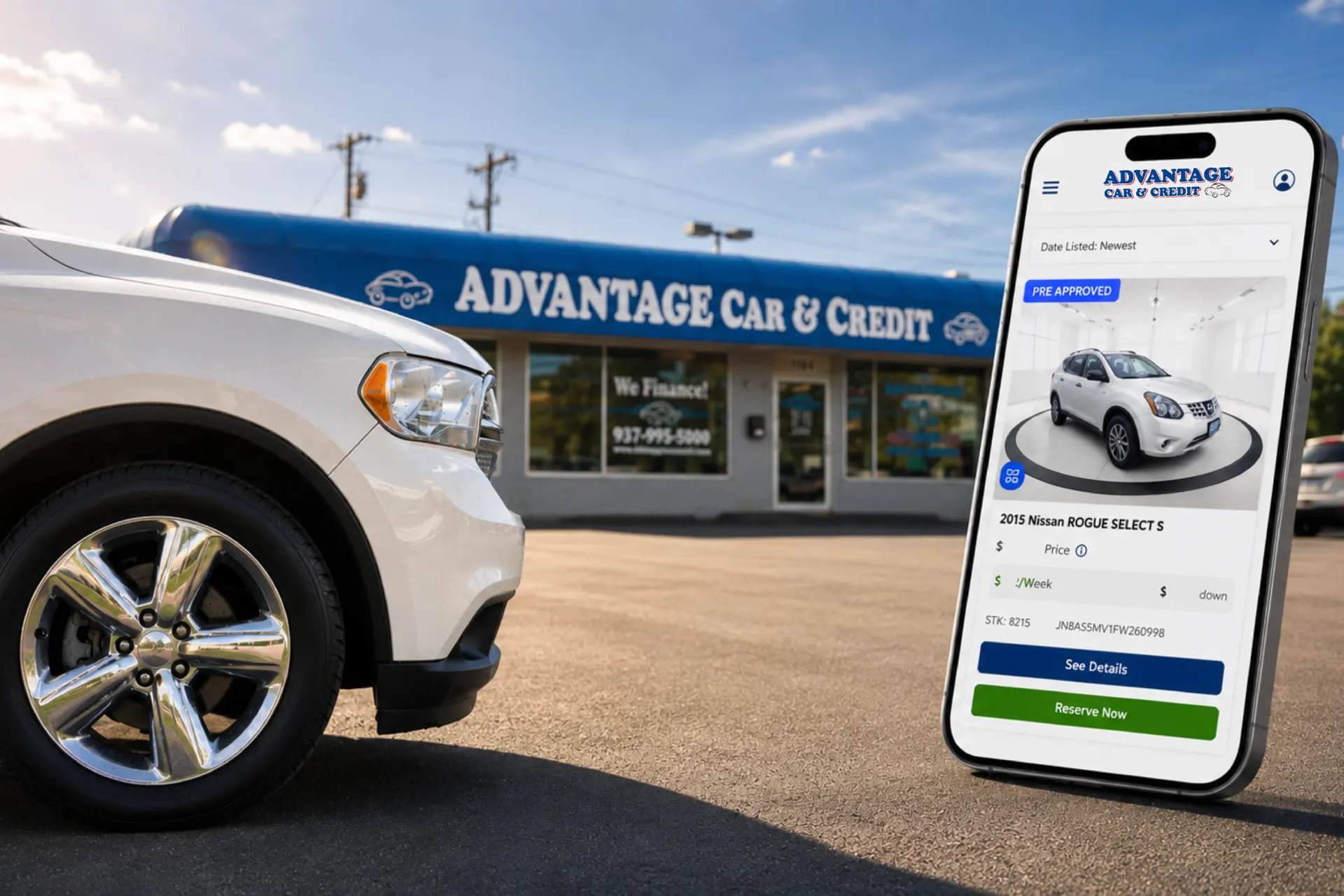
White SUV in front of Advantage Car & Credit storefront, with a large smartphone showing a car-buying app in the foreground.
See What Vehicles You Qualify For Start your approval to instantly view matching vehicles and estimated payments.
I agree to Dealer's Privacy Policy and Terms of Use. I consent to be contacted via telephone, email and texts. Standard rates may apply and you can opt out at any time.

The Simple 3-Step Process

Document icon button to view or download a file

Apply Online

Complete a quick, secure application.

Front view of a blue car icon with side mirrors, simplified outline style.

Digital Showroom

View vehicles that match your approval.

Home icon: white house with blue outline and red doorway

Final Steps

Reserve your vehicle and complete the remaining details for pickup or delivery.

Why Start Online?

Clipboard with a checklist icon: three red checks on a white page on a blue circular background, representing a to-do list.

Know Before You Go

Know before you shop.

See what you qualify for before choosing a vehicle.

House with a car inside a garage icon on a blue circular background

Digital Showroom

Shop on your terms.

See vehicle options that match your approval.

Calendar icon with a red checkmark on a blue circular background, indicating a confirmed event.

Reserve Your Vehicle

Secure it before it’s gone.

Reserve the vehicle you want while you complete the next steps.

Stopwatch icon on a blue circle, suggesting speed or quick timing

Schedule Final Steps

We’ll help you finish.

Choose a time for our team to review the remaining details with you.

Express delivery icon indicating fast shipping on a blue circular background.

Pickup or Delivery

Choose what works for you.

Pick up at any Advantage location or have your vehicle delivered.

Why Start Online?

Blue circular badge with a white clipboard showing a checklist and red checkmarks, representing a task list.

Approval First

Know before you shop.

See what you qualify for before choosing a vehicle.

Blue circular icon showing a white house outline with a garage and a car inside on blue background.

Digital Showroom

Shop on your terms.

See vehicle options that match your approval.

Blue circular badge with a white calendar icon and red checkmark, symbolizing a confirmed date or scheduled event.

Reserve Your Vehicle

Secure it before it’s gone.

Reserve the vehicle you want while you complete the next steps.

Blue circular icon featuring a white stopwatch with red speed lines, indicating quick timing or speed.

Schedule Final Steps

We’ll help you finish.

Choose a time for our team to review the remaining details with you.

Express delivery truck icon in a blue circle indicating fast shipping

Pickup or Delivery

Choose what works for you.

Pick up at any Advantage location or have your vehicle delivered.

Red-outlined smartphone icon with a centered circular checkmark, symbolizing verification or approval on mobile.

Get Your Approval
Before You Come In.

It only takes minutes. Get started online or call us and we’ll do it together.

No impact to your credit.

Lifetime Powertrain Warranty: Some limitations, exclusions, and deductibles apply. See dealer for complete terms and details.

3-Day Exchange Policy: Available only on Home Delivery and Curbside Pickup purchases. Customer must request an exchange within 72 hours of the time of sale. Not valid on in-store purchases. Terms, conditions, limitations, and exclusions apply. See dealer for complete details.

COPYRIGHT © 2026 ADVANTAGE CAR AND CREDIT. ALL RIGHTS RESERVED.

This site is protected by reCAPTCHA and the Google Privacy Policy and Terms of Service apply.